A sensor network is only as good as the state of each unit in it. Today we are introducing Device Service Records, a new feature that gives every uRADMonitor device a living, end-to-end history, from the moment it is built to every service it receives in the field. It is now part of the dashboard, across the entire network.
Every device, one timeline
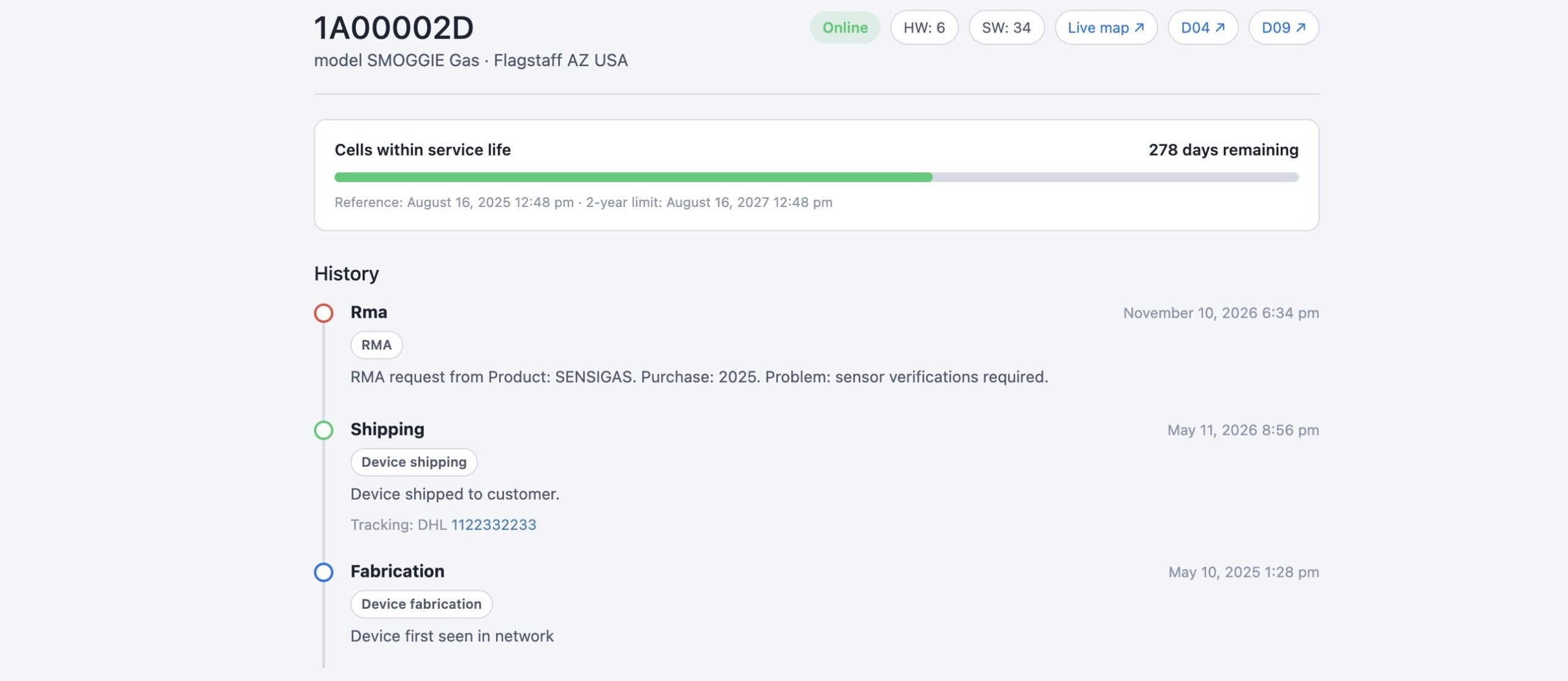
Each unit now has its own page at /device/<ID>/ with a complete, time-stamped timeline: fabrication, testing, shipping, customer registration, RMA, return, service and maintenance. The record is created automatically for every device the moment it first reports data, and it grows as the unit moves through its life. Nothing is kept on a spreadsheet or in someone’s memory any more. If a unit was repaired, when, with what firmware, and with which tracking number, it is all on one page.
A service counter that keeps the data accurate
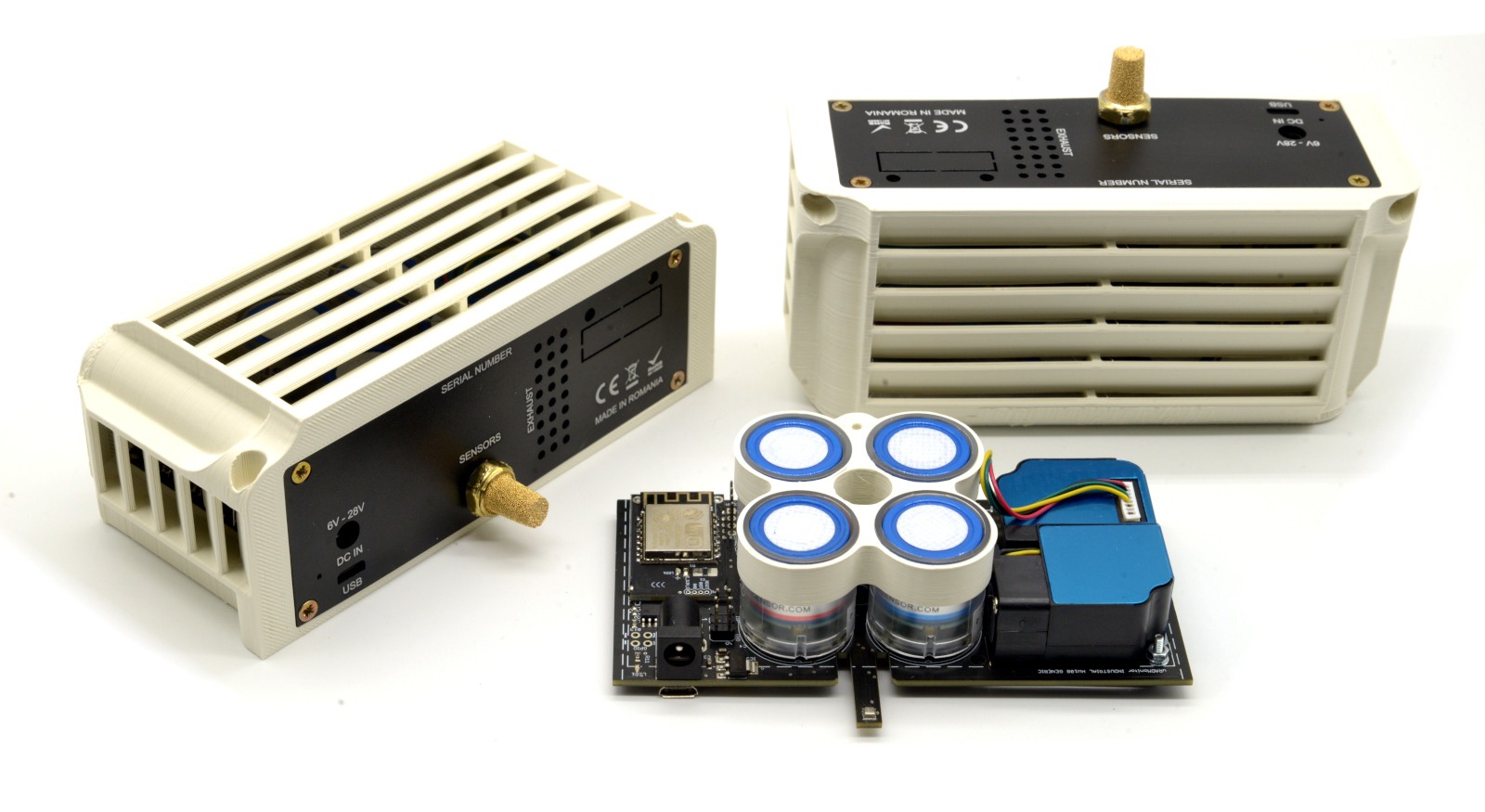
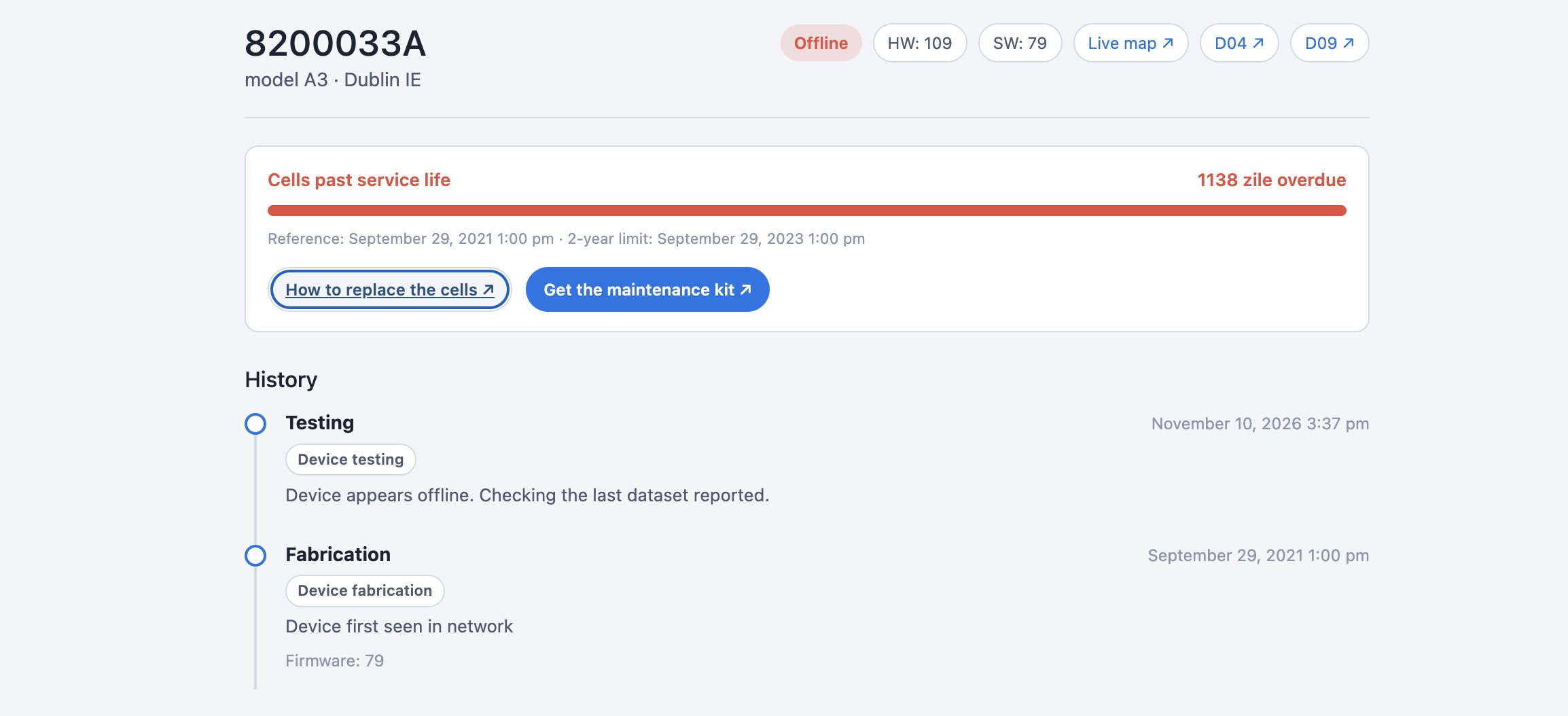
Units with electrochemical gas cells (MODEL A3, A4, CITY, INDUSTRIAL, SMOGGIE-GAS and SENSIGAS) now show a cell service counter. Electrochemical cells have a service life of about two years, after which they drift and under-report. The counter runs from the unit’s first data, or its last recorded service, to the two-year limit, and turns red when the cells are due. When it does, it links straight to the replacement guide and to the maintenance kit or an RMA.
This is what keeps the network’s data trustworthy. Aged cells are the single most common reason a good sensor slowly starts producing poor numbers, and until now that drift was easy to miss. With the counter in plain sight on every unit, cells get replaced on time, and the readings stay reference-grade.
What it changes
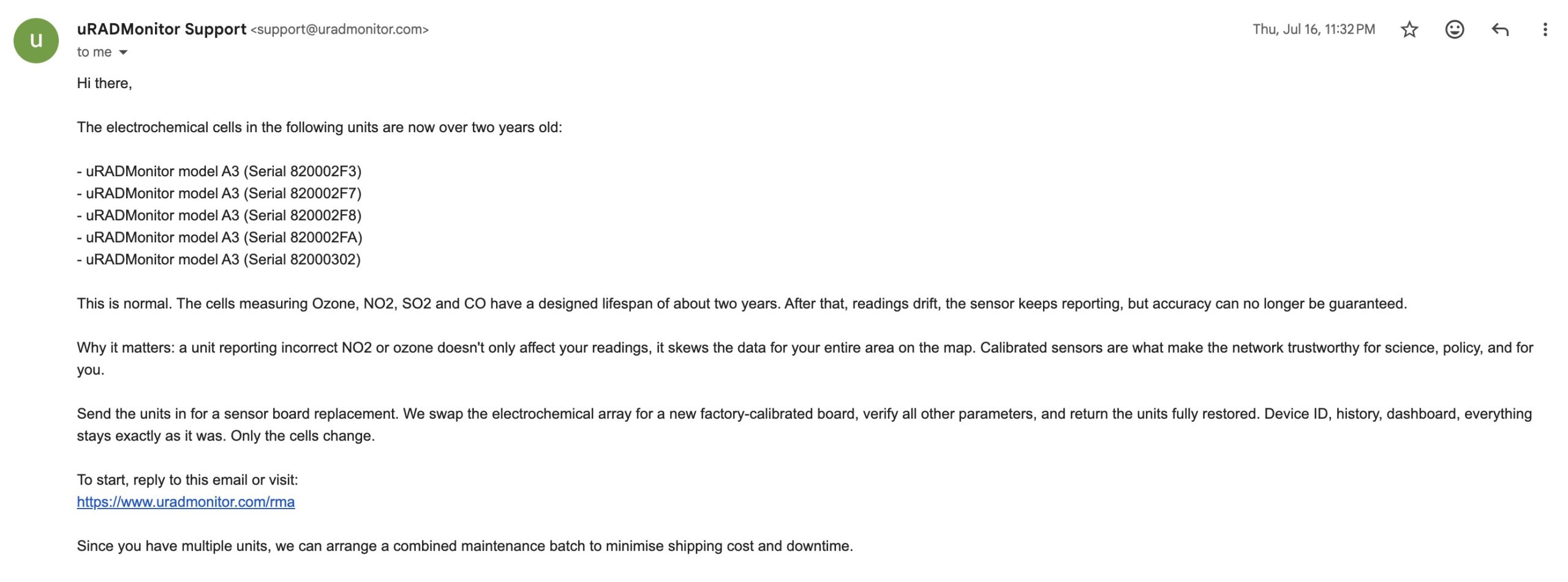
- Better oversight. Every unit in the network has a tracked record. Owners see exactly where their device stands; we see the whole fleet at a glance. No unit falls through the cracks. This works hand in hand with our automated health notifications, which flag sensors the moment they go offline or when their electrochemical cells reach end of life, turning each detected event into an entry on the device’s
- Higher data quality. Proactive, on-time cell replacement means less drift and fewer silent errors. The network produces accurate measurements, numbers you can act on, serving us better.
- Better uptime. Offline units and overdue maintenance are visible, so service can be planned instead of discovered. A healthier fleet means more of the network reporting, more of the time.
How to use it
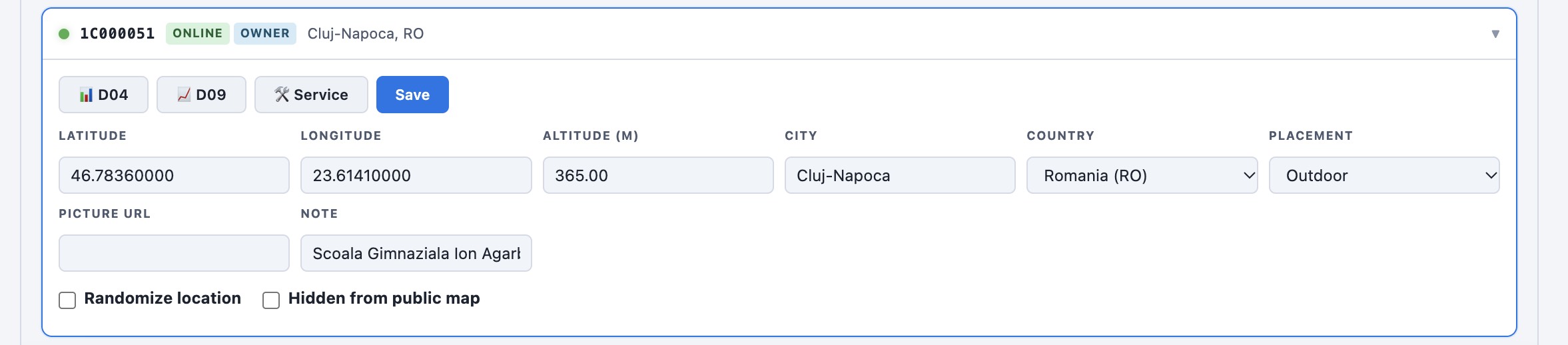
Log in to the uRADMonitor dashboard and open My Units. Each unit you own now has a Service link that opens its record: the timeline, the cell counter, and the actions you need (how to replace the cells, get a maintenance kit, or request an RMA). You can also comment on your own device’s page to keep notes with us.
uRADMonitor has always been about open, trustworthy environmental data, since its start following the Fukushima disaster. Device Service Records extend that principle to the hardware itself: a transparent, verifiable history for every unit, so the data the network produces stands on solid ground. It is live now for the whole network. Open any of your units and take a look under your Dashboard account.
Liked this? Get monthly air quality findings.
One email a month from the uRADMonitor network. Unsubscribe anytime.

codemore code
~~~~