SMOGGIE is an automated, fixed, Air Quality monitoring station. It has Wifi connectivity to send the air quality measurements to the uRADMonitor Cloud in real time. It needs 5V to run, powered by a standard micro-USB cable. This unit doesn't have a screen, it works as a monitor and the data can be viewed remotely on a computer or on a mobile device.
| Sensor | Parameter | Minimum value | Maximum value |
| MEMs | Temperature | -40 °C | +85 °C |
| Humidity | 0% RH | 100% RH |
| Laser scattering | PM1.0 | 0 μg/m³ | 1000 μg/m³ |
| PM2.5 | 0 μg/m³ | 1000 μg/m³ |
| PM10 | 0 μg/m³ | 1000 μg/m³ |
To see complete specs see the technical datasheet.
Many of the pollutants measured by SMOGGIE can have a negative impact on our health, ranging from simple allergies to various cancers. Therefore the data gathered by this device is valuable for our understanding on the quality of our
environment.
 Picture: uRADMonitor fights pollution to improve our health
Particulate matter PM2.5
Picture: uRADMonitor fights pollution to improve our health
Particulate matter PM2.5 refers to small particles with a diameter of up to 2.5 microns. These particles can penetrate
deep into the lungs , causing allergies, respiratory and cardiovascular diseases [1]
[1]
Volatile Organic Compounds’ Impact on Indoor Air Quality, US Environmental Protection Agency
SMOGGIE is designed as an automated, fixed, Air Quality monitoring station. SMOGGIE is IOT and so it comes with built-in Wifi connectivity. It needs 5V to run, supplied via a standard micro-USB cable.
The units can be managed via
the dashboard. The data can be viewed remotely
on a computer or
on a mobile device.
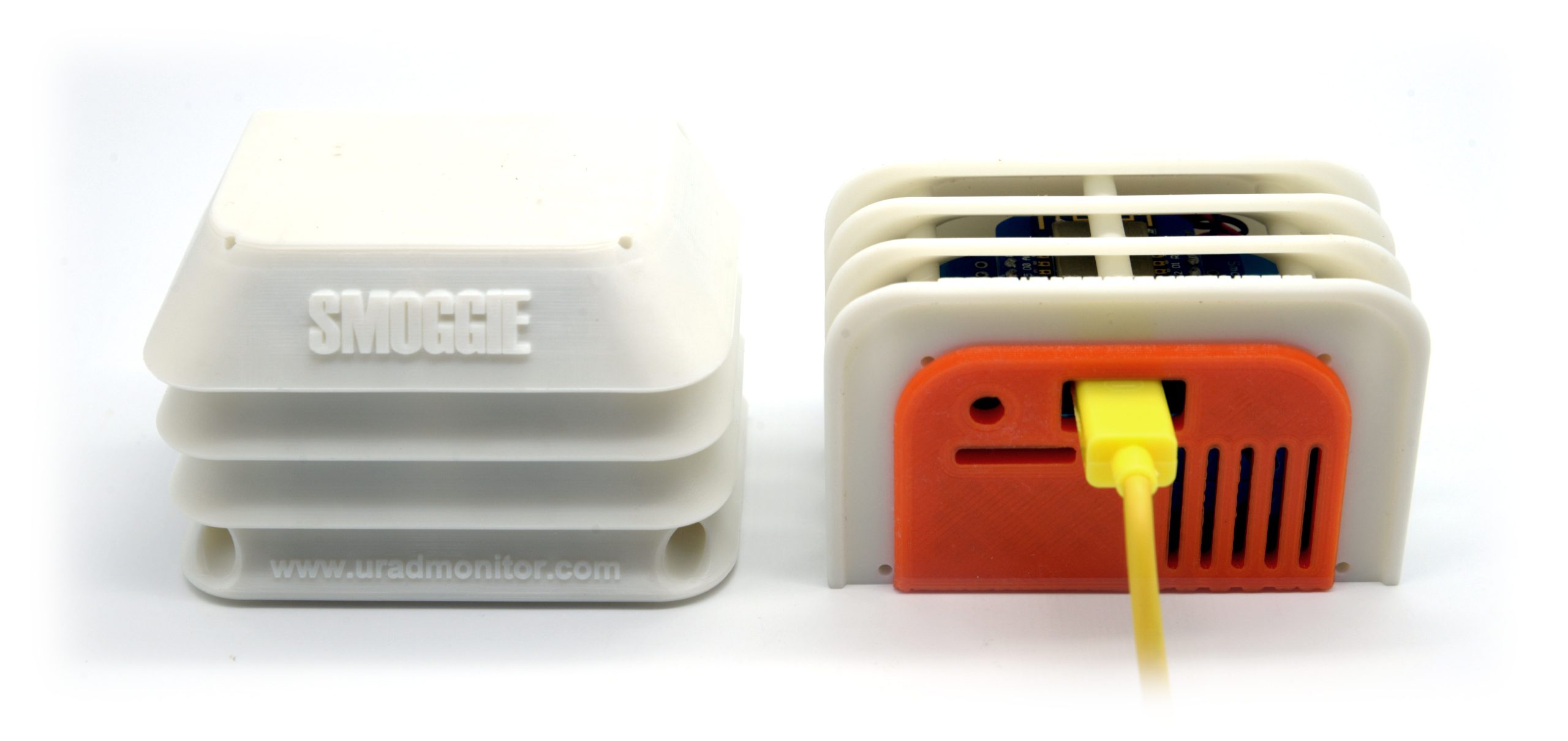 Picture: uRADMonitor SMOGGIE connected via micro USB cable
| Item | Parameter | Ratings |
| Voltage | External | 5V micro-USB |
| Consumption | Current | 80mA (max 120mA with fan running) |
| Connectivity | Internet | Wifi |
| Microcontroller | ESP8266 | 8 bit |
| Enclosure | Rainproof plastic | 42x43x27 mm |
Your uRADMonitor unit can be mounted both indoors and outdoors . The enclosure is rainproof, so it doesn't need additional protection when installed outdoors, just avoid direct sun exposure to avoid false temperature readings. You can fix it to a wall using only two screws. The sensor openings and cable connector must face down for open air access. Make sure that nothing is blocking the air vents. There's a small built-in fan for active airflow.
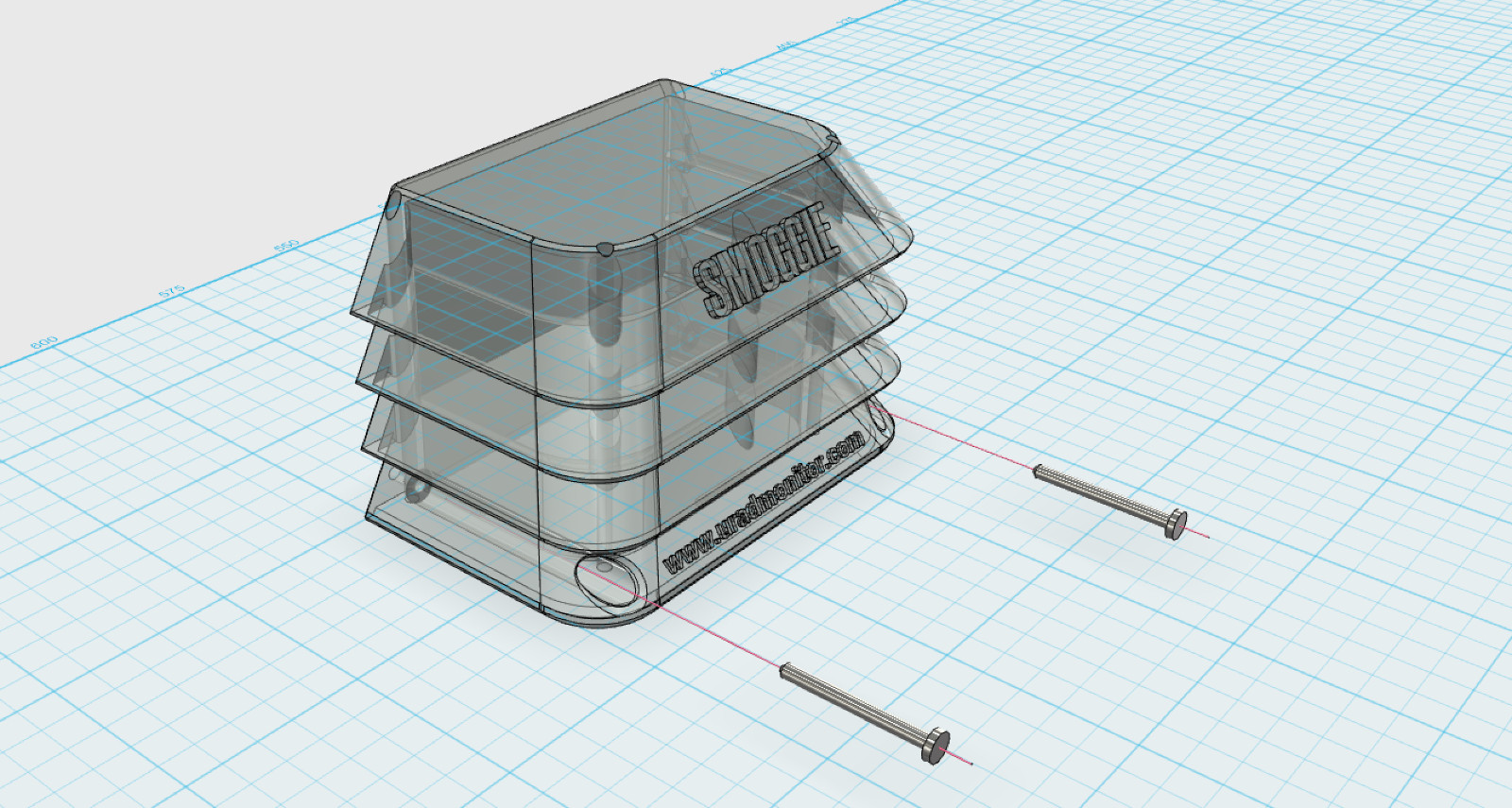 Picture: fixing Smoggie using two screws
To install the unit, use two M2 / L=3cm screws that can be inserted via the two holes at the bottom. The distance between the centers of the two holes is 58mm (2.28346in)
Quick Setup
Connect it to power using a 5V micro-USB cable. Use a smartphone or a computer with WLAN capabilities to connect to the local hotspot spawned by your SMOGGIE unit. The SSID is uRADMonitor-XX, where XX are the last two digits of the Device ID number. The key is the Device ID, in uppercase, as printed on the enclosure. Open 192.168.4.1 in your browser, and click the "WIFI/CONFIG" link to setup the connection to the Internet AP. Enter the SSID and key of your Internet Access Point.
If the connection fails, you will see the status message.
USB configuration
Alternatively, the SSID and KEY can also be configured via USB. Connect to your SMOGGIE via USB, baudrate 9600bps, open a terminal program and type the two commands: "key1","SSID" then "key2","your WLAN key" . Use the "getsettings" command to verify that the new settings are in place. Quotes are a must, and there are no spaces in between. See the USB Commands manual for more. See the USB Commands manual if you need more help.
