
Forum Replies Created
-
AuthorPosts
-
June 12, 2026 at 12:28 pm in reply to: A3 HW105 WiFi – Device ID 82600374 – firmware request (no hotspot, 3 beeps) #30302
Adam
ParticipantAh, yes it is. I’m still working on getting some common sense. Thanks for the help!
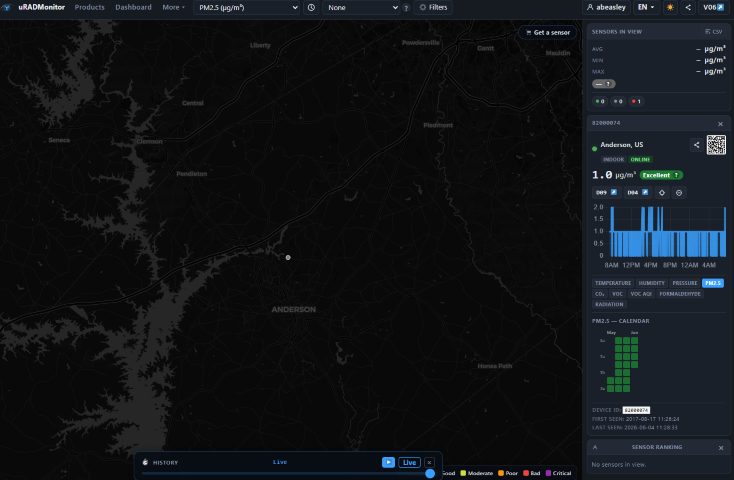
June 4, 2026 at 11:35 am in reply to: A3 HW105 WiFi – Device ID 82600374 – firmware request (no hotspot, 3 beeps) #30288ParticipantHow long does it take for it to show as online on the dashboard?
Attachments:
May 18, 2026 at 6:39 pm in reply to: A3 HW105 WiFi – Device ID 82600374 – firmware request (no hotspot, 3 beeps) #30261ParticipantSure thing. Where should I put this blog post, under support? Thanks!
May 15, 2026 at 8:00 pm in reply to: A3 HW105 WiFi – Device ID 82600374 – firmware request (no hotspot, 3 beeps) #30240ParticipantI was able to get it back online. While I waited for the new ESP04 chips I thought I would see if I could find the fault. I was able to pull the image off the flash so I decided to reflow again. I guess the second reflow was the key.
I’m running sw124 (type:8 hw:103 ws:124 SI29BG), is there any update or is this the latest for this revision.
Thanks again!
Adam
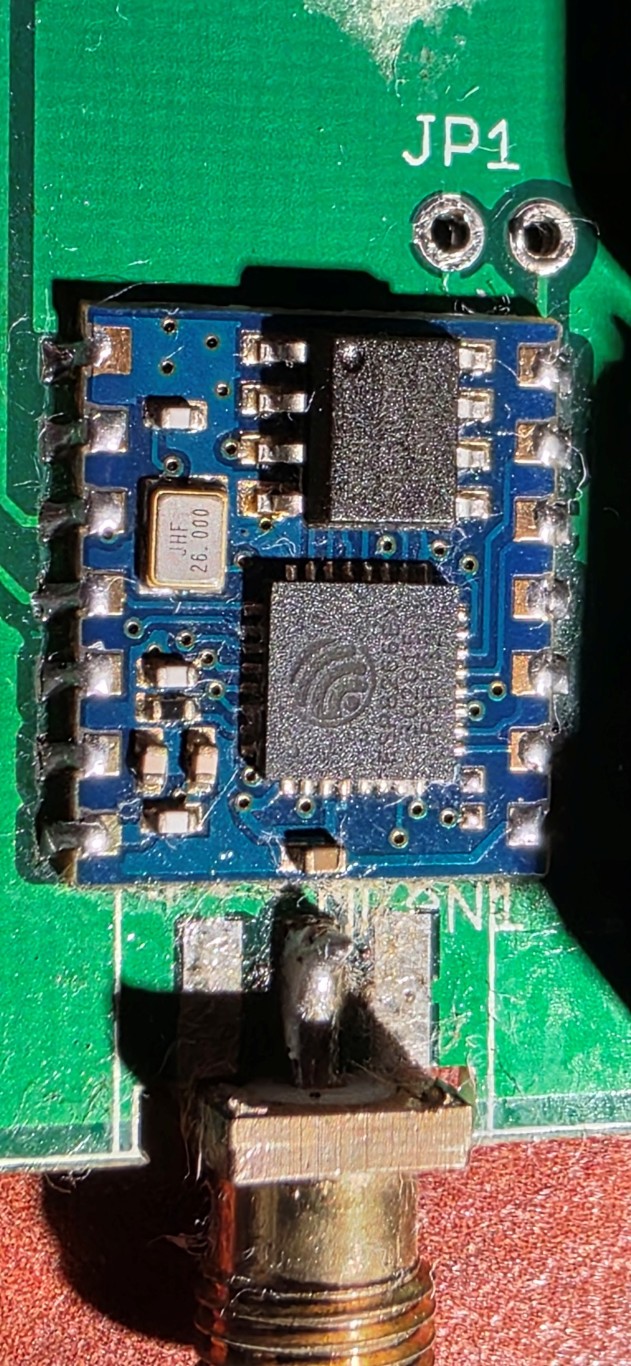
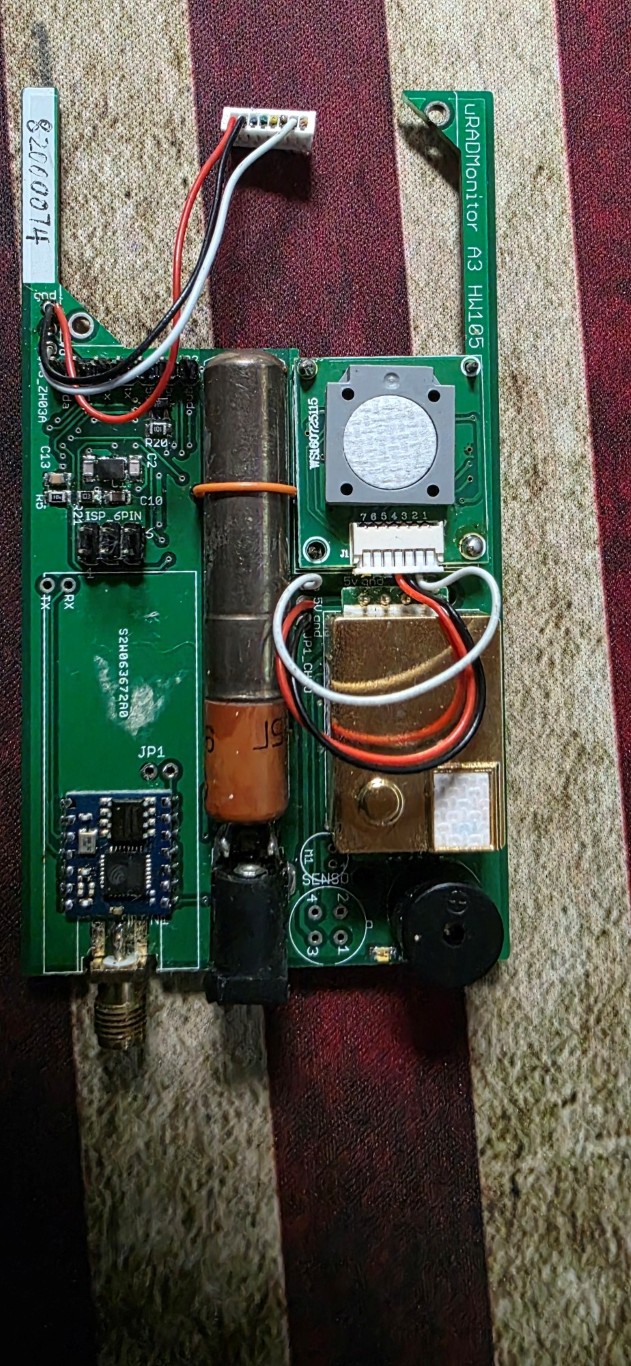
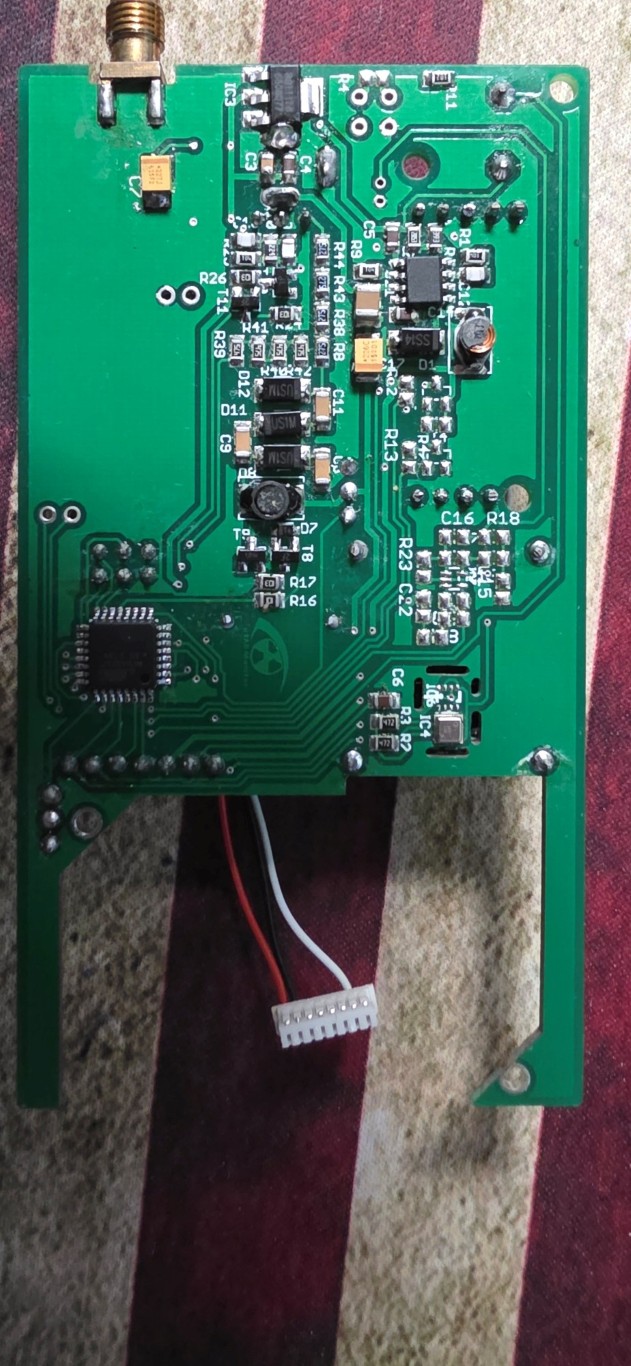
May 11, 2026 at 6:55 pm in reply to: A3 HW105 WiFi – Device ID 82600374 – firmware request (no hotspot, 3 beeps) #30227ParticipantThanks! I believe I may have found a source for the ESP04, I placed an order and am waiting to hear confirmation.
Do you have any instructions on flashing the ESP module when it arrives?
I’m including some photos. I disconnected the sensor as to not break the wires.
Thanks,
Adam
Attachments:
May 10, 2026 at 8:27 pm in reply to: A3 HW105 WiFi – Device ID 82600374 – firmware request (no hotspot, 3 beeps) #30225ParticipantFollow-up question: If I do manage to find a new ESP-04 board, will the AVR flash it automatically or will it need to be done manually?
Thanks,
Adam
May 10, 2026 at 8:01 pm in reply to: A3 HW105 WiFi – Device ID 82600374 – firmware request (no hotspot, 3 beeps) #30224ParticipantI didn’t see any corrosion or broken solder joints; I reflowed it just in case and got the same result. Is it possible to buy a replacement board? I’ve search around but could not find a provider that had some in stock. Are there any alternatives?
I would like to at least attempt to flash it rather than just let it go to waste, so any firmware would be greatly appreciated.
Thanks,
Adam
ParticipantRadu,
I currently have it set with WPA2 and BG operation and its working well. I believe my router had some newer technologies that weren’t compatible with some devices so I have a second access point just for these.
Would a firmware update be beneficial or is it recommended to stay with the version I’m currently running? type:8 hw:103 sw:124 SI29BG
thanks!
Adam
ParticipantThanks Wolferl.
I was able to get it back online, although it’s not an ideal setup. I had to add an old wireless access point to my network. I had disconnected the A3 while redoing some things in my shop and after reconnecting it would not connect (or stay connected long enough to test). The only thing I had changed was to update my network to use Unifi instead of the older Asus hardware. I installed an old mobile access point and voila it reconnected. Will the hardware support more modern wifi networks if I updated the firmware?
How do I go about getting updated firmware?
Thanks,
AdamParticipantCan you also change the flag for 82000074 to USA?
Thanks!
-
AuthorPosts