
- This topic has 3 replies, 3 voices, and was last updated 7 years, 4 months ago by
.
Viewing 4 posts - 1 through 4 (of 4 total)
Viewing 4 posts - 1 through 4 (of 4 total)
- You must be logged in to reply to this topic.
WattSekunde. Peter
Peterhi,
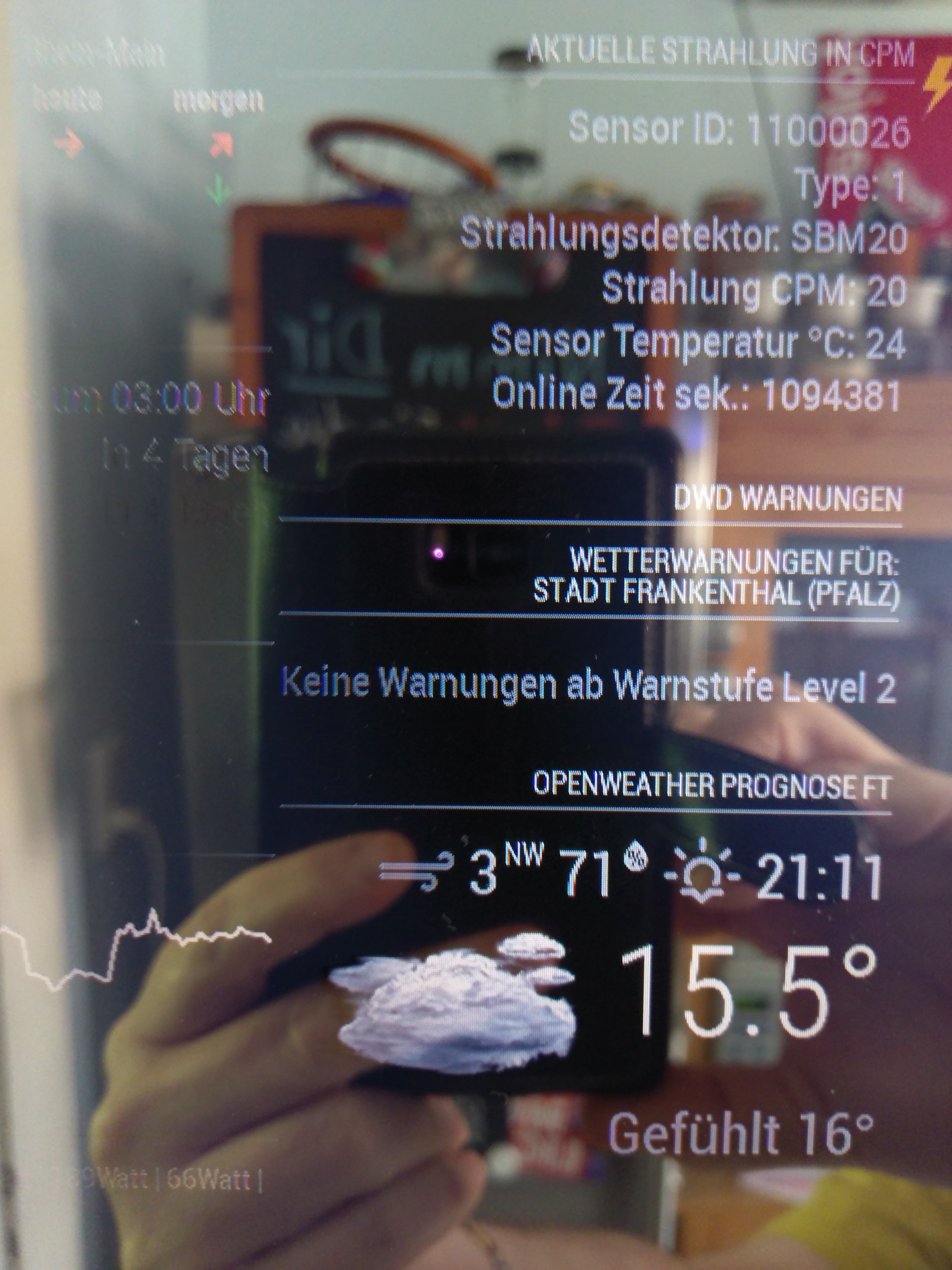
here is a small solution for MagicMirror. This show the detector json data on the MagicMirror.
Config code:
{
                        module: 'MMM-json-feed',
                        position: 'top_right',
                        config: {
                                title: 'Aktuelle Strahlung in CPM',
                                arrayName: "data",
                                arraySize: 5,
                                values: [ "id", "type", "detector", "cpm", "temperature", "uptime" ],
                                replaceName: [ ["id", "Sensor ID"], ["type", "Type"], ["detector", "Strahlungs$
                                                ["cpm", "Strahlung CPM"], ["temperature", "Sensor Temperatur °$
                                urls: [
                                         'http://192.168.xxx.xxx/j',

                                          ]
                                 }
                },
happy fun
🙂
 uRADMonitor
Nice work!
Would love to see that picture in higher resolution!!
PeterHere:
 WattSekunde
Very nice! What’s the MagicMirror? DIY?