Hy all,
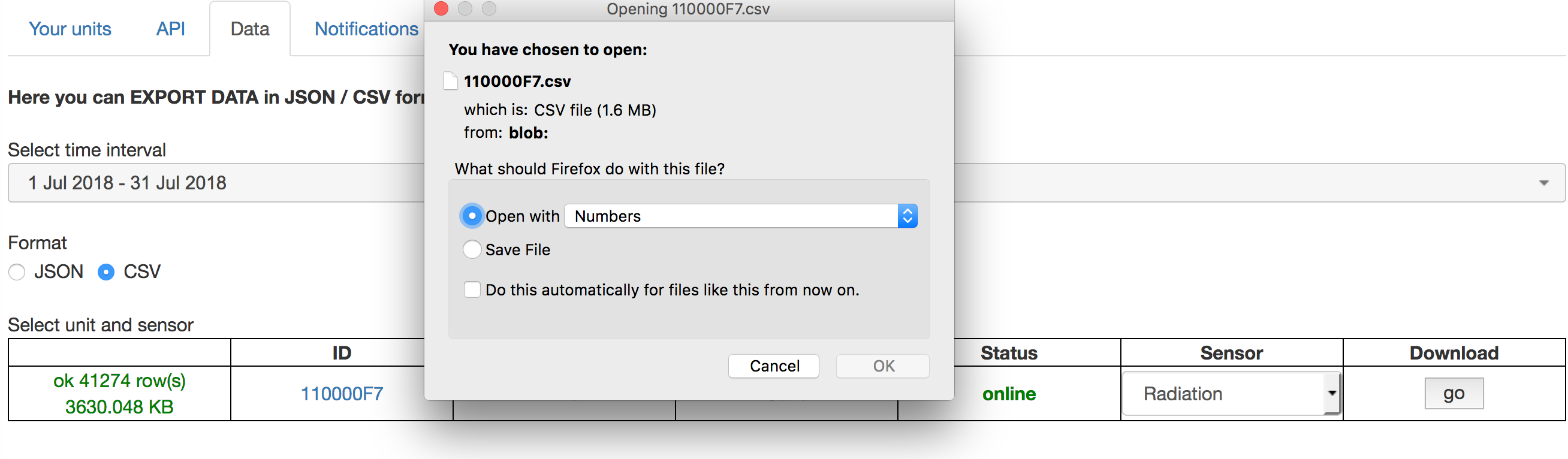
I’m searching for a way to download the data for my unit.
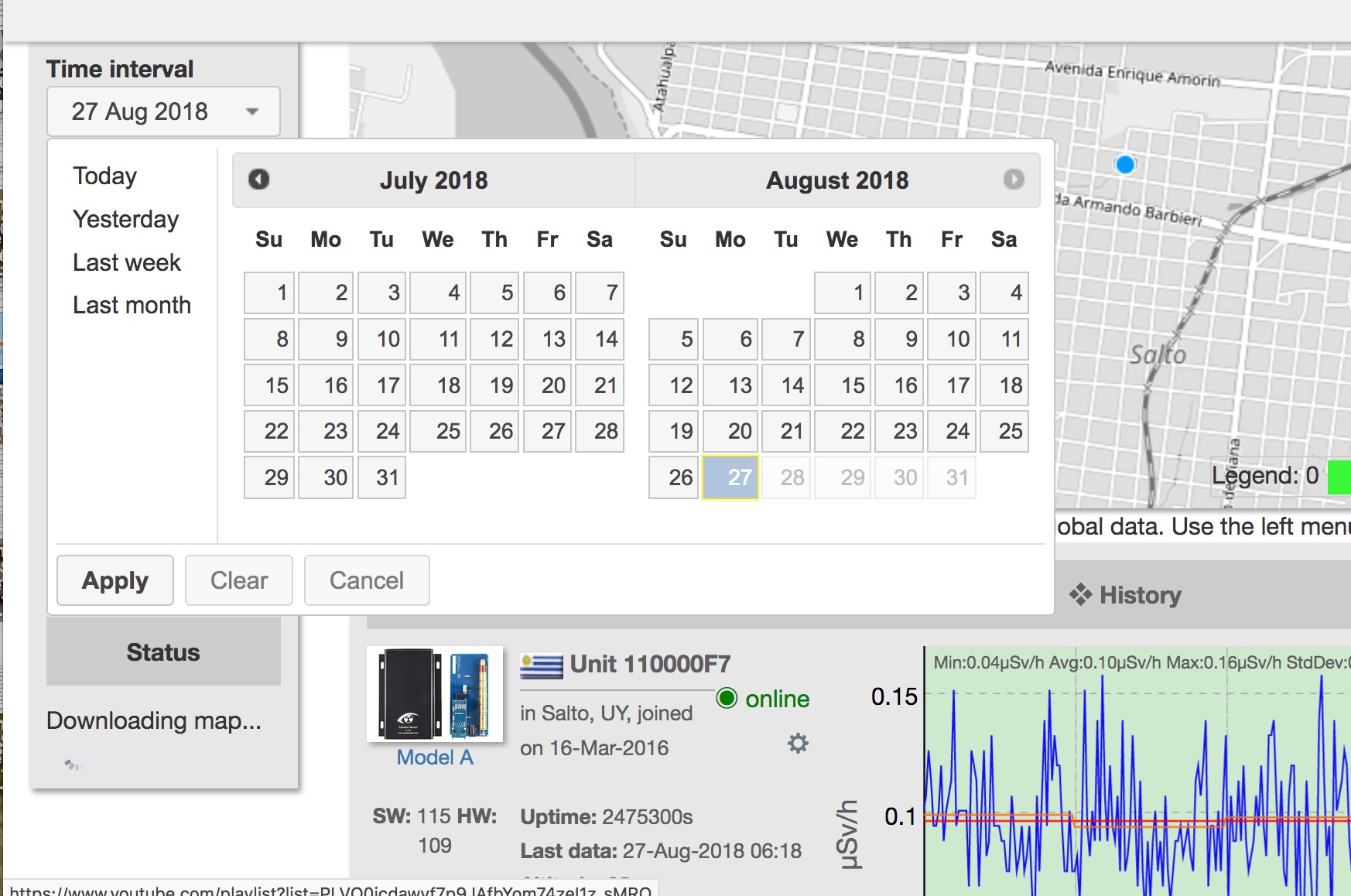
I know that the data are available only for the last 2 months, but if I select “last month” from the drop down menu (or using the calendar to hilight the date that I’m interested in) the downloaded file has only one day.
Maybe I’m doing something wrong?
I’ve used Chrome, Edge and Firefox with the same result 🙁
Something has changed- when viewing my account on the map I only have the option of choosing a time interval- not rads or temp.
*** Oops..my browser window wasn’t large enough and the header was covering the rad and temp data option. Unrelated to the original concern posted above.
Hy SaltoUYStation, I’ve found where the problem is!
If I choose “all” as sensor, the data are only for a single day, if I choose “radiation” the data are complete for the time interval that I want.
Ok, I’ll download the data for radiation, temperature, voltage and duty cycle then I’ll combine in a single file.
No big matter, but can I suppose is a bug?
Tnx a lot to point me in the right direction!
This website uses cookies to improve your experience. We'll assume you're ok with this, but you can opt-out if you wish. Cookie settingsACCEPT
Privacy & Cookies Policy
Privacy Overview
This website uses cookies to improve your experience while you navigate through the website. Out of these cookies, the cookies that are categorized as necessary are stored on your browser as they are essential for the working of basic functionalities of the website. We also use third-party cookies that help us analyze and understand how you use this website. These cookies will be stored in your browser only with your consent. You also have the option to opt-out of these cookies. But opting out of some of these cookies may have an effect on your browsing experience.
Necessary cookies are absolutely essential for the website to function properly. This category only includes cookies that ensures basic functionalities and security features of the website. These cookies do not store any personal information.
Any cookies that may not be particularly necessary for the website to function and is used specifically to collect user personal data via analytics, ads, other embedded contents are termed as non-necessary cookies. It is mandatory to procure user consent prior to running these cookies on your website.

.